


Beskrywing
Vehicle Compatibility
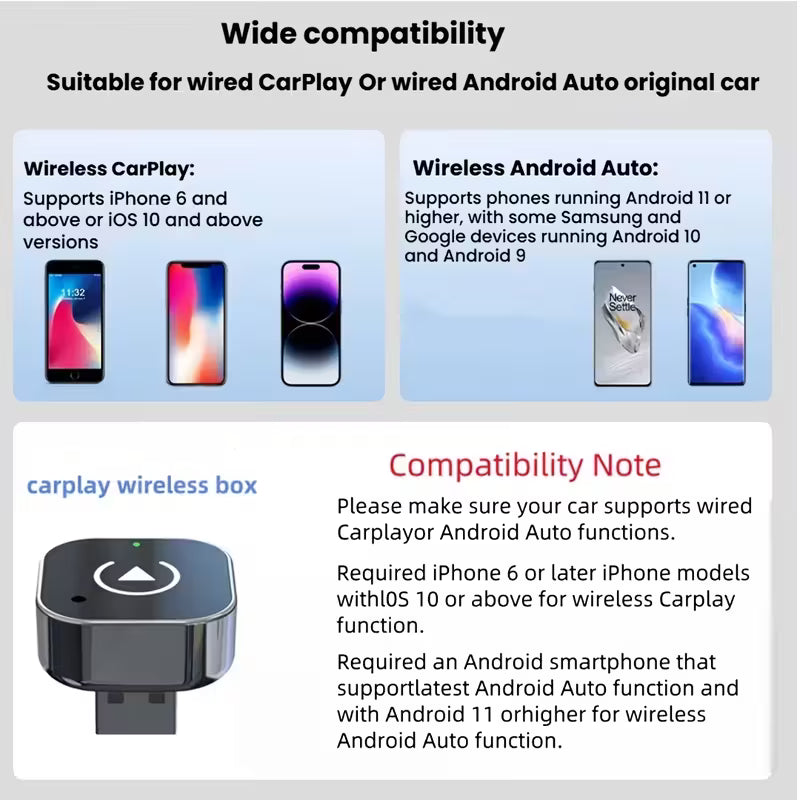
- Vehicle requirement: Your vehicle must already support wired Apple CarPlay or wired Android Auto. This adapter converts an existing wired system to wireless.
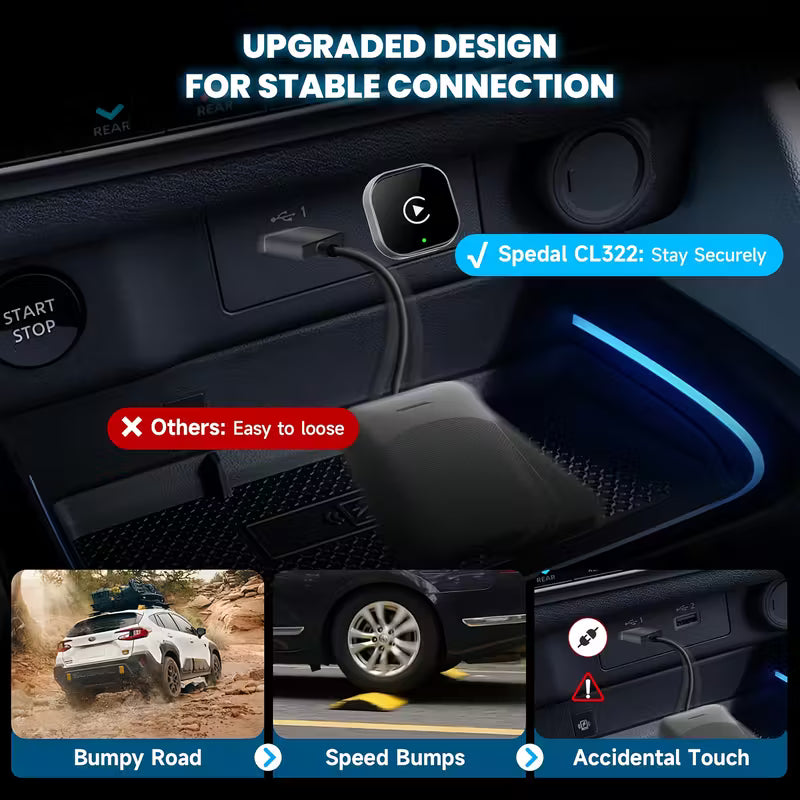
- Port requirement: Must be connected to the vehicle’s CarPlay or Android Auto USB data port. Charge only USB ports will not work.
- Connector: USB A plug (connects to the vehicle USB A infotainment data port).
- Apple CarPlay: iPhone 6 or newer with iOS 10 or higher.
- Wireless Android Auto: Requires a compatible Android phone with 5GHz Wi Fi support. Wireless projection is supported on Android 11+ and on certain Google or Samsung devices on Android 10, plus select Samsung models on Android 9 (device support varies).
Quick test: Connect your phone to the car using a USB data cable. If the CarPlay or Android Auto icon appears on the vehicle display, this adapter is compatible.
Specifications
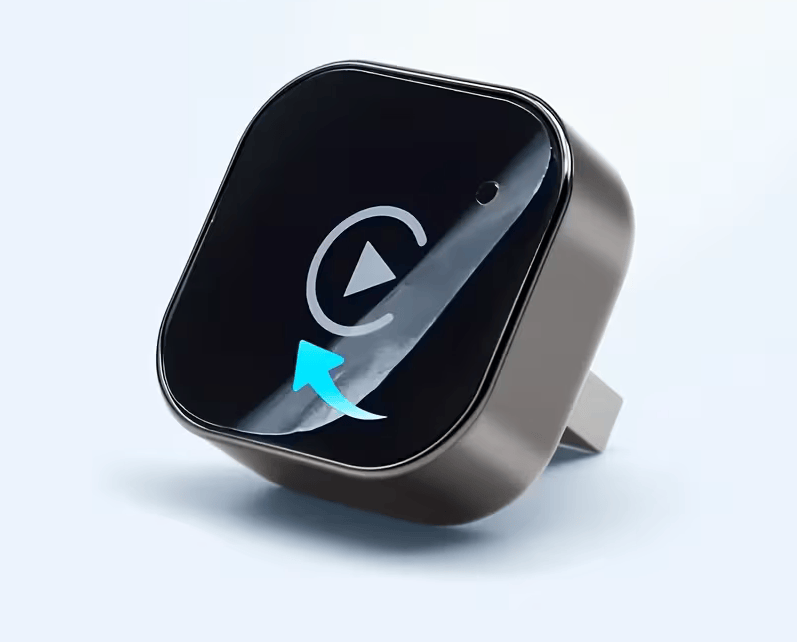
- Product Type: Wireless CarPlay And Android Auto Adapter Dongle
- Vehicle Connection: USB A
- Power Supply: USB Powered 5V
- Connectivity: Bluetooth For Pairing Plus Wi Fi For Data Link
- Use Case: Converts Wired CarPlay Or Wired Android Auto To Wireless Operation
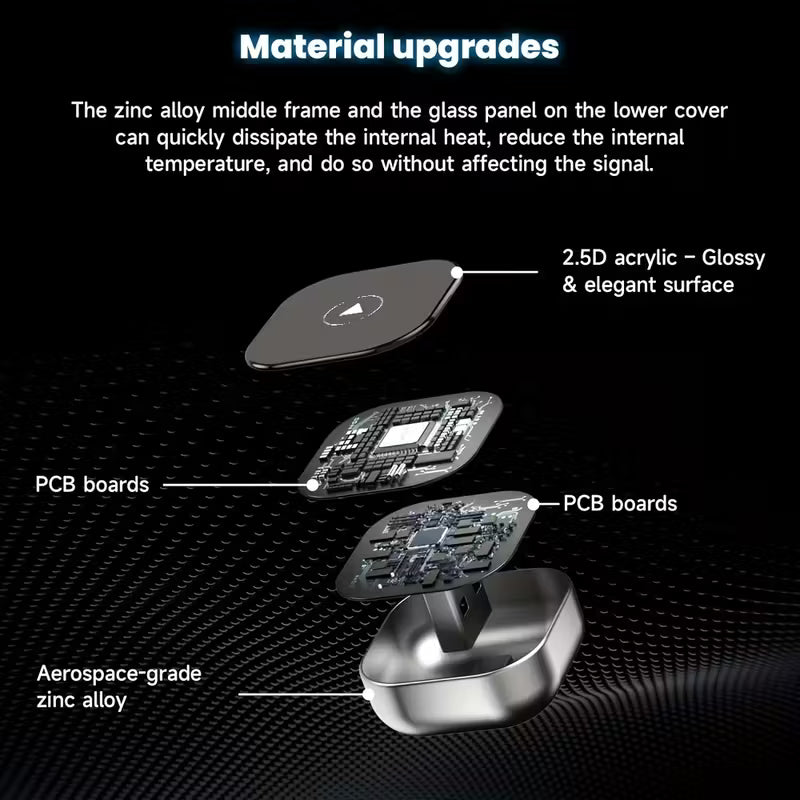
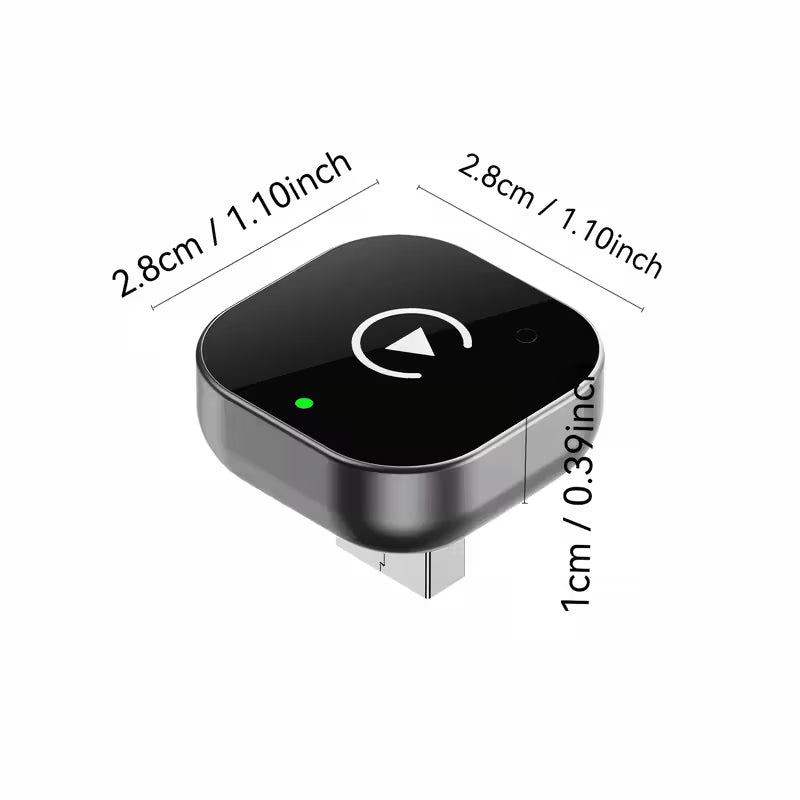
- Design: Compact Dongle Format For A Cleaner Cabin Setup
Features
- Plug And Play Setup For Supported Vehicles
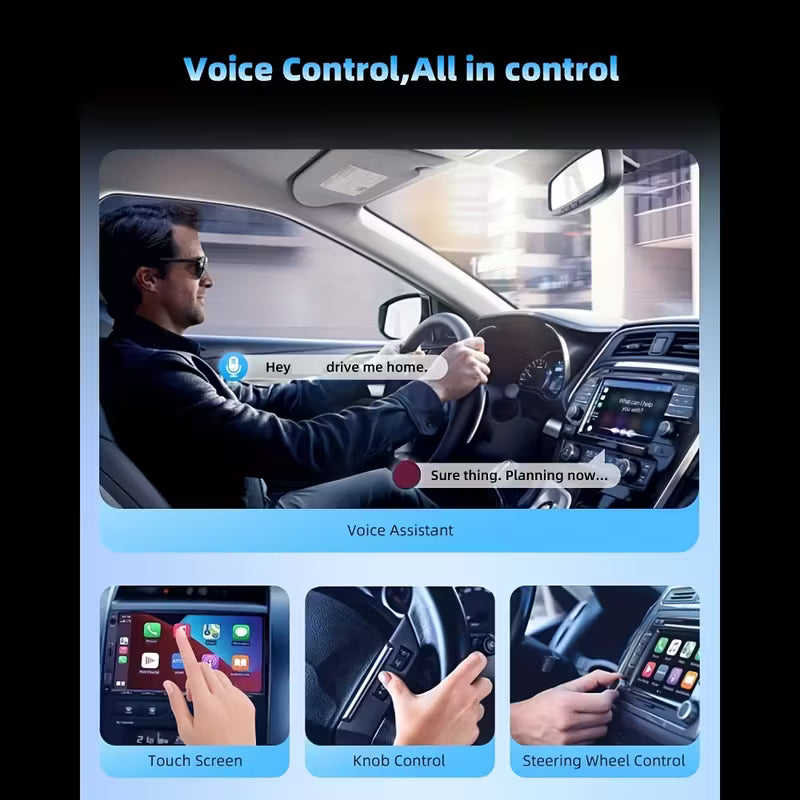
- Wireless Apple CarPlay And Wireless Android Auto On Compatible Devices
- Designed For Stable Daily Use With Low Latency Performance
- No Separate Power Supply Required
- Reduces Cable Clutter While Keeping Full Screen Projection Functionality'
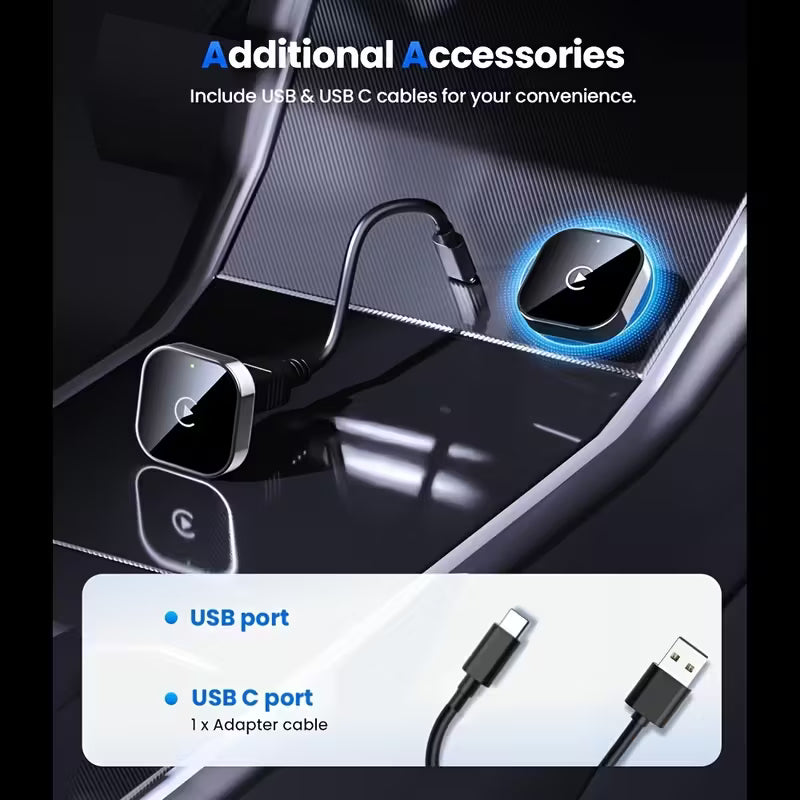
- Includes USB-C to USBA adaptor
Why Buy From Us
- Nationwide Delivery Across South Africa
- 12 Month Warranty For Peace Of Mind
- Pre Purchase Compatibility Guidance To Confirm Wired CarPlay Or Wired Android Auto Support
- Trusted By Thousands Of South African Drivers For Quality And Durability
Installation & Maintenance Tips
- Initial setup: Start the vehicle, plug the adapter into the USB A infotainment data port, then enable Bluetooth and Wi Fi on your phone and follow the on screen prompts.
- If pairing fails: Remove old CarPlay or Android Auto pairings, delete the adapter from Bluetooth devices, restart the phone and infotainment system, then retry.
- If it connects but does not launch: Confirm you are using the correct vehicle USB port and that the port supports data, not charging only.
- For best stability: Keep Bluetooth and Wi Fi enabled while driving and avoid connecting to other Wi Fi networks during use.
Important: Compatibility depends on the vehicle head unit and USB data port. Please verify wired CarPlay or wired Android Auto support before installation.
Important: Product information, kit contents and compatibility are provided as a guide and may contain errors or omissions. Please verify that this part and any included components are correct for your vehicle before installation. For full details see our Website Disclaimer (Errors & Omissions).